

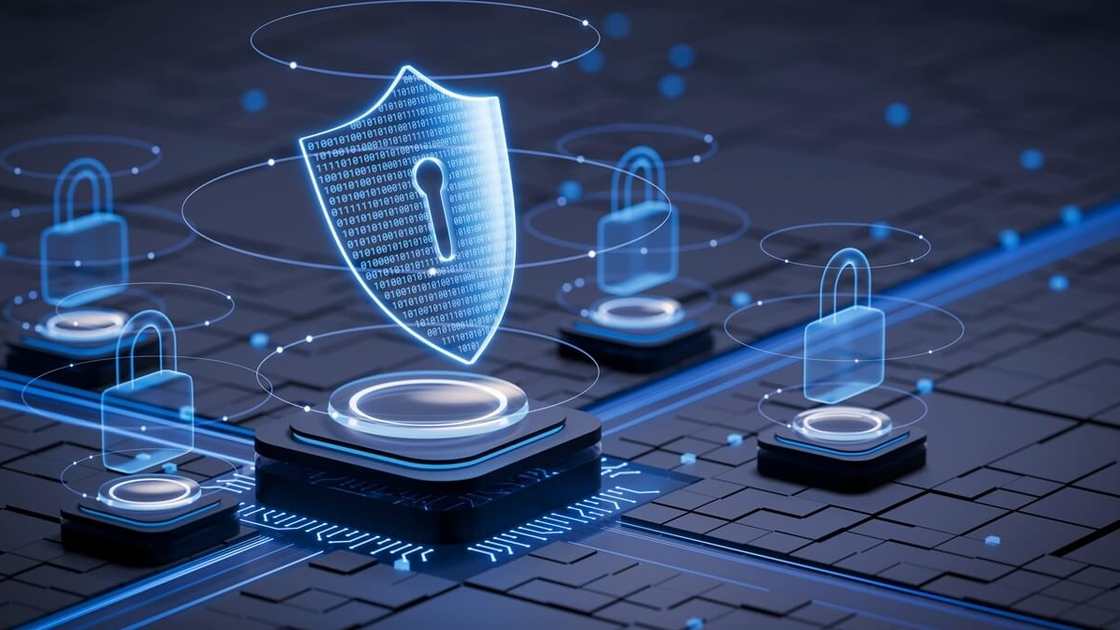
As we embrace the digital age here in Eswatini, our lives are becoming increasingly connected.
We bank online, connect with loved ones on social media and use mobile money for everyday transactions.
However, just as we lock our doors at night, we need to secure our digital lives. Cybersecurity isn’t just for big corporations, it’s essential for every one of us who uses the internet.
This week, we are sharing practical, easy-to-implement tips to help you stay safe online and protect what matters most.
The foundation: Strong passwords and two-factor authentication. Your password is the first line of defence. Think of it as the key to your digital house.
Create strong, unique passwords: Avoid simple passwords like ‘123456’ or ‘password’. Instead, use a combination of upper and lowercase letters, numbers and symbols. A good trick is to think of a phrase like ‘I love Eswatini’s mountains!’ and turn it into a password like ‘Ilv3SwzM0unt@!ns!’.
Use different passwords: Don’t use the same password for multiple accounts. If one account is compromised, others remain safe.
Enable two-factor authentication (2FA): This adds an extra layer of security. Even if someone steals your password, they can’t access your account without the second verification step, usually a code sent to your phone.
Recognising and avoiding phishing scams: Phishing is when criminals try to trick you into giving away personal information through fake emails, texts or websites.
Be wary of urgent requests: Legitimate companies will never pressure you to act immediately. Be suspicious of emails claiming your account will be closed if you don’t “verify your information” right away.
Check the sender’s address: Look closely at email addresses. A message claiming to be from your bank might come from a suspicious address like ‘support@bank-security.com’ instead of the official domain.
Don’t click suspicious links: Hover over links to see the actual web address before clicking. When in doubt, go directly to the company’s official website by typing the address yourself.
Keeping your devices and software updated: Those update notifications might be annoying, but they’re crucial for your security.
Regular updates: Software updates often include critical security patches that fix vulnerabilities hackers could exploit. Enable automatic updates on your phones, computers and routers whenever possible.
Antivirus protection: Use reputable antivirus software and keep it updated. This provides an important layer of defence against malware and viruses.
Safe browsing and public Wi-Fi habits: How you connect to the internet matters as much as what you do online.
Look for HTTPS: Before entering any personal information on a website, check that the address begins with ‘https://’ and has a padlock icon. This indicates a secure, encrypted connection.
Be cautious on public Wi-Fi: Avoid conducting sensitive transactions like online banking when connected to public WiFi networks. If you must use public WiFi, use a Virtual Private Network (VPN) to encrypt your connection.
A WANDERPORT Case Study: Protecting a local business
Consider a local travel agency in Mbabane that recently faced a phishing attempt. An employee received an email that appeared to be from a regular hotel partner, asking them to click a link to confirm a booking.
Because the staff had been trained to spot red flags, they noticed the email address was slightly different from the hotel’s usual one.
Instead of clicking, they called the hotel directly and confirmed it was a scam, potentially saving the business from a significant security breach.
Your security is our priority
At Wanderport, we’re committed to not just connecting Eswatini but protecting our customers in the digital space. A secure internet experience starts with a reliable connection and educated users.

















What’s up, yes this paragraph is in fact fastidious and I have learned lot of things
from it regarding blogging. thanks.
Thanks for another magnificent article. The place else could anyone get that type of info in such a perfect way of writing?
I have a presentation subsequent week, and I’m
on the look for such information.