

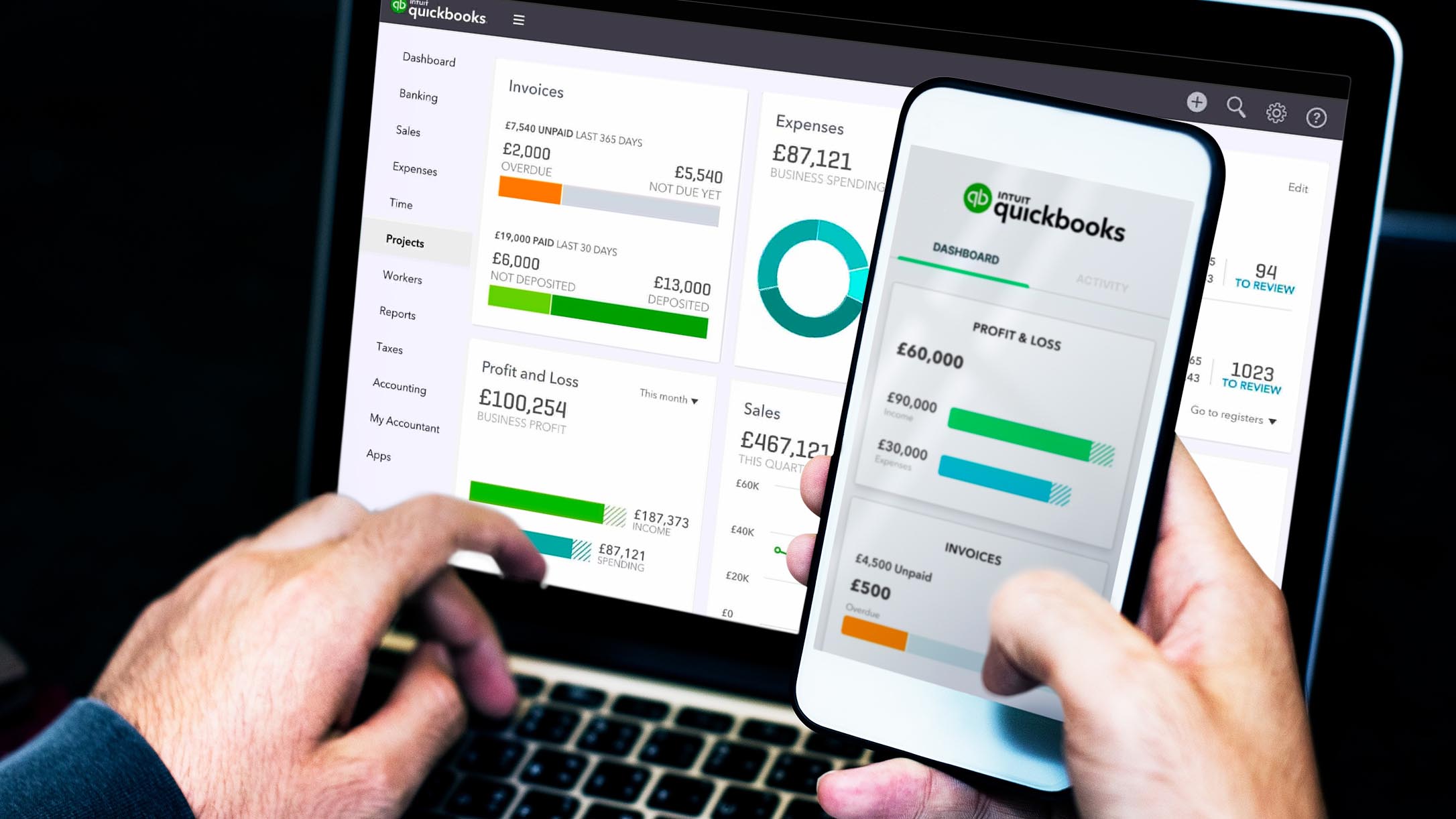
QuickBooks is one of the most popular accounting software for small/medium businesses. Whether you want to move away from manual bookkeeping or your spreadsheets have grown into a multiheaded hydra or you need a better option compared to your current software, QuickBooks can be a good choice without burning a hole in the pocket. The Number 1 Accounting Software in the world.
What is QuickBooks?
Although QuickBooks is best known for its bookkeeping software, it offers a range of accounting and finance solutions for small/medium businesses. Here are some examples:
QuickBooks Payroll: Payroll processing is an important function for any business.
The payroll add-on calculates payroll automatically as often as you want. Three plans give your business the scalability to grow over time and add features as necessary. Available as a self-service or full-service solution, it allows businesses to pay up to 50 employees via Cash or direct deposit, then generates reports.
QuickBooks Desktop: The Desktop version will do all the accounting for you, while tracking stock, sales and bills in your company.
Utilising QuickBooks keeps all income, expenses and payments organized in one place so that you can focus on what matters most – your customers.
QuickBooks Online: As our world shifts from paper to online, it is important that your bookkeeping and business management be available to you with the click of a button. You can keep your accounting books in the cloud, accessible from anywhere at any time, using QuickBooks Online. This service also has invoicing capabilities.
QuickBooks Point Of Sale: The QuickBooks POS is suitable for Retail operations, it track sales and inventory in any business type. You will need QuickBooks Desktop for Back Office operations, that can be linked to the Point of Sale.
Add-on Apps for QuickBooks
QuickBooks live: Using QuickBooks Live you can partner with an expert bookkeeper to help with all your bookkeeping needs.
QuickBooks payments: QuickBooks payments allow you to generate pay-enabled invoices, set up recurring invoices and get paid on the go digitally. Your customers can pay digitally using the method they want.
QuickBooks time: Track billable hours for your employees or clients or projects using QuickBooks time. The time you track is easy with QuickBooks Payroll as well as payments.
All these apps integrate seamlessly with each other and QuickBooks accounting software, thus building a well-rounded accounting and payments ecosystem for your small and mid-sized business.
QuickBooks software options
Invoicing
Invoicing is one of the most crucial functions for many businesses, especially those that provide services or rely on freelancers. QuickBooks makes it easy to create invoices either from scratch or from an earlier estimate. You can even set up an invoice for recurring payments. You can then share the invoice with clients through the mail or take a printout and send a hard copy.
Bills and expenses tracking
While setting up QuickBooks, you can connect your bank as well as credit card accounts to the software. Once done, QuickBooks tracks your bills and expenses automatically.
However, automatic bill tracking does not mean you cannot do that manually. You can directly record a manual transaction easily, whether in cash or check.
Employee time and expense tracking
With QuickBooks, it is very simple to track time as well as billable expenses incurred by employees or subcontractors. They can either enter it themselves using the QuickBooks mobile app or submit it manually and a bookkeeper on your end can enter the details in the app.
Manage VAT
Filing for VAT can be stressful if done manually, with QuickBooks you can easily manage and file for VAT just by a click. It will also generate VAT reports for you.
Track assets
Asset tracking is one of the functions that QuickBooks have. All your assets are recorded and tracked through the system without hassles. Once all assets are in the system, you can view and generate reports in the way you want.
How QuickBooks can benefit your business
As one of the biggest names in the accounting software industry, signing up for QuickBooks greatly increases the odds that other platforms your business may use, such as customer relationship management software (CRM), will integrate with it and streamline processes. Here are some of the other ways that QuickBooks can boost your business:
Financial statements at your fingertips
You have easy access to all the common financial statements like balance sheet, profit and loss (P&L) statement, cash flow statements and taxes filed. You can take a printout of these statements for your accountant and send it across to them at the time of filing or invite them to view these statements without needing a login ID or password.
Straightforward inventory management
Tracking inventory as you sell them, entering the details in the right expense account and calculating taxable income at the end of the financial year can be very cumbersome manually.
QuickBooks makes it easier by doing everything automatically. As you accept payment for any item in the inventory, the right expense account is updated and reflected automatically in taxable income.
Easy taxation
Tax time is one of worry and hassle for more reasons than one. QuickBooks makes it easier for your business as it calculates your income and expenses automatically as they happen. Even for payroll, which has a huge tax liability, taxes are calculated automatically every cycle.
You can take a printout of all the information your accountant needs to prepare the returns and ship it to them easily. You can easily scan and upload receipts in real-time using the QuickBooks mobile app, so you don’t need to run helter-skelter to collect them at the time of taxes. If you want, you can also invite them to view the reports themselves and download whatever they need.
Additional information sourced from forbes.com.



















Leave a comment